A Gym Owner's Guide to Handling Drop-In Guests Without Losing Money
An athlete is in town for work, finds your gym on Instagram, and just wants to drop into a class. She calls. Nobody picks up — it's the middle of a session. She sends a message. The reply comes three hours later, by which point she's already trained somewhere else.
That wasn't a lost member — she never wanted a membership. It was a drop-in who was ready to pay right then, and you still didn't get her, purely because the response time didn't line up.
Why drop-ins are a different animal from regular bookings
A drop-in guest doesn't want to create an account, download an app, or commit to a membership — they want to pay for a class and train, ideally in under a minute. Every extra step between "I want to come" and "I've paid" is a chance for them to give up and move on to the next gym on the map that offers a straight-through online booking.
It's just as annoying from the front desk's side, in the other direction: writing down a name by hand, taking cash, manually adding the guest to the roster — usually in the middle of the pre-class rush, when nobody actually has time for it.
What it looks like when almost all of that friction disappears
A QR code at the entrance or next to the schedule is enough. The guest scans it, lands directly on the next session of that class, pays by card, Apple Pay, or Google Pay, and gets an instant email confirmation with an invoice PDF. No account, no phone call, no waiting at the front desk.
How to set up drop-ins in BooklyFit
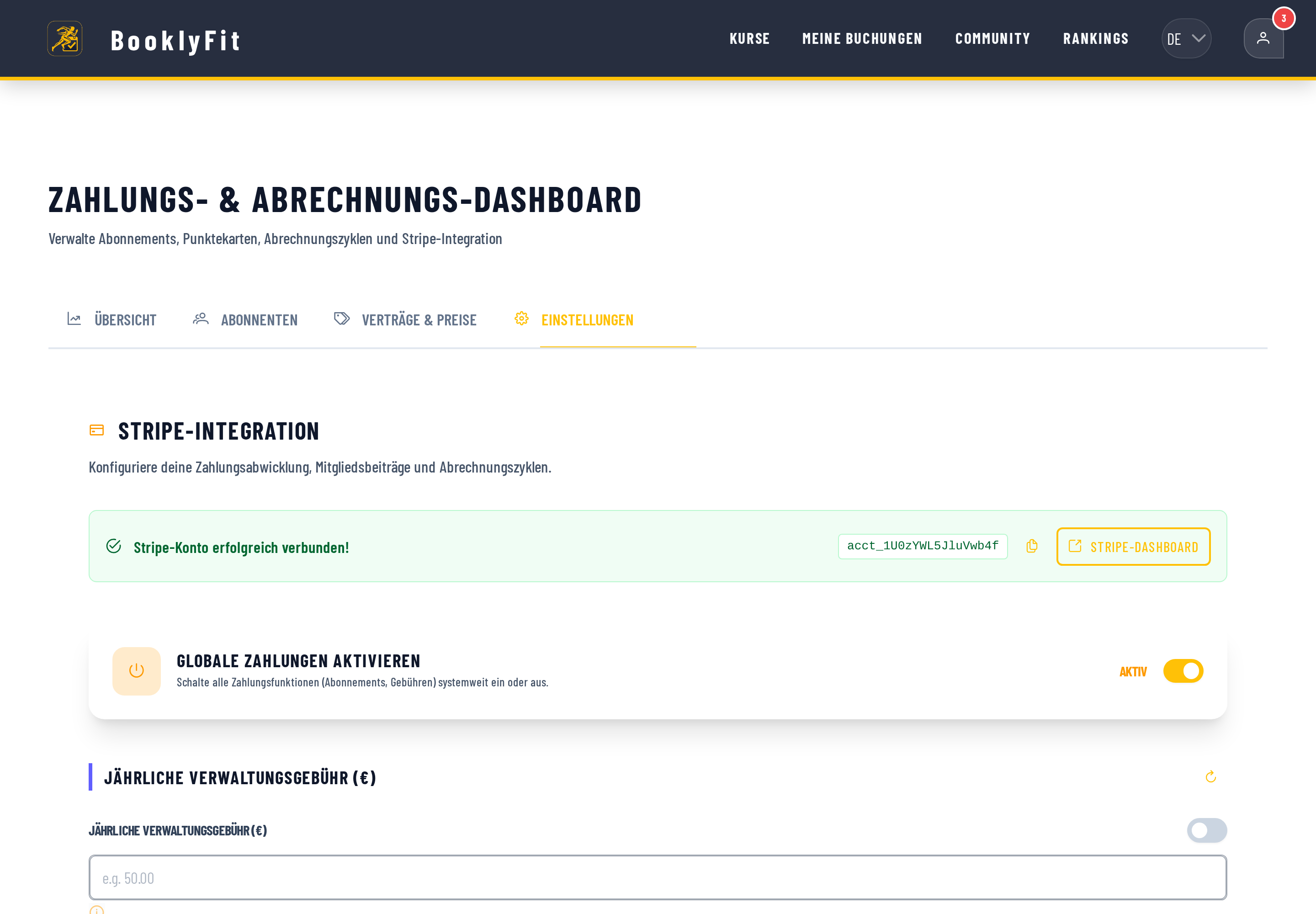
- Settings → Identity: turn on "Enable public visibility" — this is required for your studio to appear in the public directory and accept drop-in bookings at all.
- Under "Contracts & Pricing", set your drop-in price.
- In the class dialog for any recurring class, click "Drop-in QR", download the QR code, and print it by the entrance or next to the schedule.
See the full guest drop-in guide in the docs →
The fair question: doesn't this risk overbooking the class?
No — the spot is held for 15 minutes the moment the guest taps "Book drop-in," giving them time to complete payment. If the payment doesn't go through or they abandon it, the hold releases automatically. Guests can't use the waitlist, only book spots that are genuinely open.
And if a class gets cancelled or rescheduled after a guest has already paid? Automatic, full refund — or an email with the new time — without the guest needing an account to be reachable in the first place.
What a QR code doesn't replace
One honest caveat: a QR code on the wall assumes there's a phone at the entrance to scan it with, or that the guest uses their own — in a basement studio with poor signal, or with a guest whose phone plan doesn't work abroad, that can be shaky. The link stays manually shareable for those cases (text it over, read it out at the desk), but don't plan on zero front-desk fallback in your first few weeks.
Back to the traveling athlete
Six weeks later, a different traveler stands outside your gym, scans the QR code taped by the door, pays in thirty seconds on her phone, and walks straight onto the floor. Nobody at the front desk had to notice, and the revenue still showed up.
Have you also read?
Opening a CrossFit Box: Choosing the Right Booking System
WODs, drop-ins, and waitlists organized cleanly from day one — what actually matters when picking software for a new box.
OperationsHow to Stop Losing Money to Class No-Shows
Why empty spots are money you lost twice, and how an automatic waitlist keeps every class genuinely full.
Buying GuideComparing Class Booking Tools: What to Look for in 2026
Pricing model, free tier, EU hosting, waitlists, drop-ins — the criteria that actually separate booking tools from each other.
Ready to see it for yourself?
BooklyFit is free to start — no credit card required.